
Model the deliverable, not just the remove-background button
Two tools can share a label and still return different kinds of work. In Rmark AI, the image background remover describes a PNG download, while the video background remover describes transparent WebM that needs an editor with alpha support. A reusable upload component should preserve that distinction.
This article derives a design proposal from the public interfaces inspected on September 8, 2026. It does not describe the application's internal types, provider API, or storage architecture. The screenshots show visible controls; no new processing job was run.
The engineering question is what the interface needs to know about the deliverable before it can give the user accurate choices. A generic success flag and a download URL are often too little information for that job.
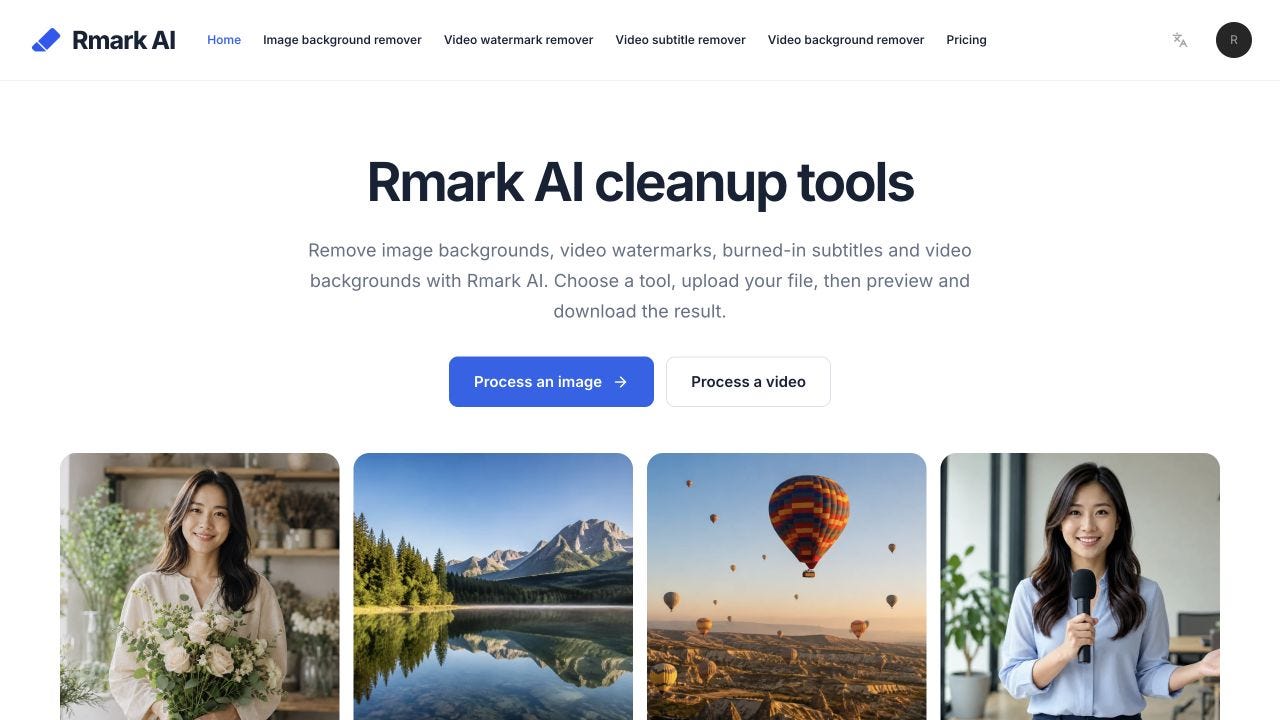
Start with the intended use of the output
The image tool exposes transparent, white, and black backgrounds and states that the download is PNG. Those options describe whether the user is preparing a subject for later placement or giving it a specific backdrop now.
The video tool adds green and explicitly describes transparent WebM. It also states that the receiving editor must support alpha transparency. That compatibility note is part of the user-visible deliverable, not merely an implementation concern to leave in a provider's documentation.
A useful application model can therefore distinguish media kind, selected background, expected output format, and any receiving-workflow requirement. These fields should express capabilities actually supported by the chosen operation. They should not be inferred from whichever controls happen to be visible in another tool.
For example, selecting a green background should not silently be described as an alpha-transparent export. The color and the transparency semantics are separate facts even when both options help an editor compose a later scene.

Keep capability data separate from presentation
A shared interface can render option labels from a capability description while leaving each operation responsible for its valid combinations. That gives designers a consistent control layout without forcing image and video workflows into one undocumented assumption.
One conceptual output description might contain the media kind, whether transparency is preserved, a format label, and a short compatibility note. The exact type structure depends on the application. The important property is that unsupported combinations cannot be selected or advertised accidentally.
When a user switches tools or replaces an input, re-evaluate the selected output options. A choice that made sense for a still image may not carry over to video. The UI should resolve that change visibly rather than keeping a stale setting behind a familiar button.
This is also a localization concern. Translate the user-facing explanation, but preserve the underlying meaning of transparency and format. A label that sounds natural while implying the wrong deliverable creates a more serious problem than an awkward technical term.
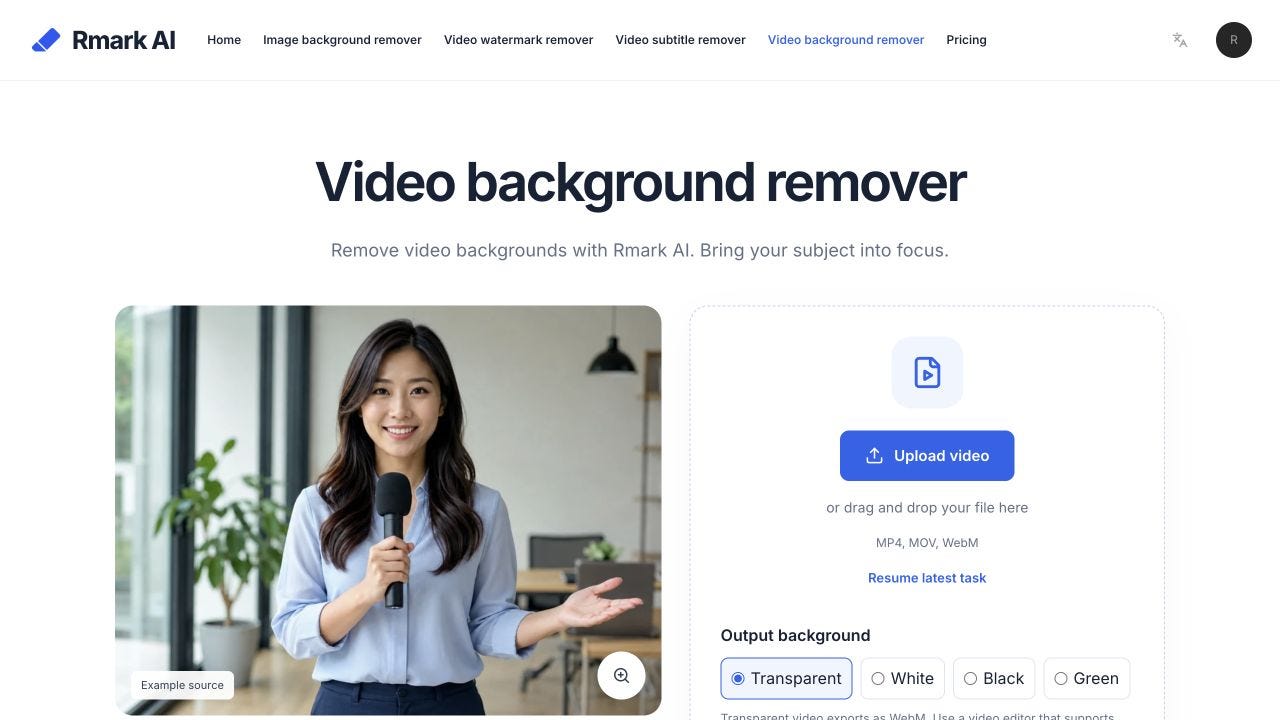
Carry the contract into the result state
After processing, the result screen should describe what is available to download. Keep the expected output and the delivered file consistent, and surface a mismatch as a problem to resolve rather than a successful-looking link.
For a transparent subject layer, the next useful action is to inspect it in the intended composition. For a photo with a solid background, the user may instead be checking a listing layout. The Rmark AI pages encourage detail review and give use-case-specific prompts such as hair, glasses, held objects, and fast movement.
A component test can check that the displayed output description changes with the operation and selected background. An integration test can check that the finished asset agrees with the result metadata. Neither test should claim that a human will approve every visual edge; that remains a separate review.
Modeling the deliverable makes shared components easier to trust. The button can stay simple because the surrounding interface already explains what will be produced, where it can be used, and what still needs checking after the file arrives.